Nice interface for automation: what role each model has
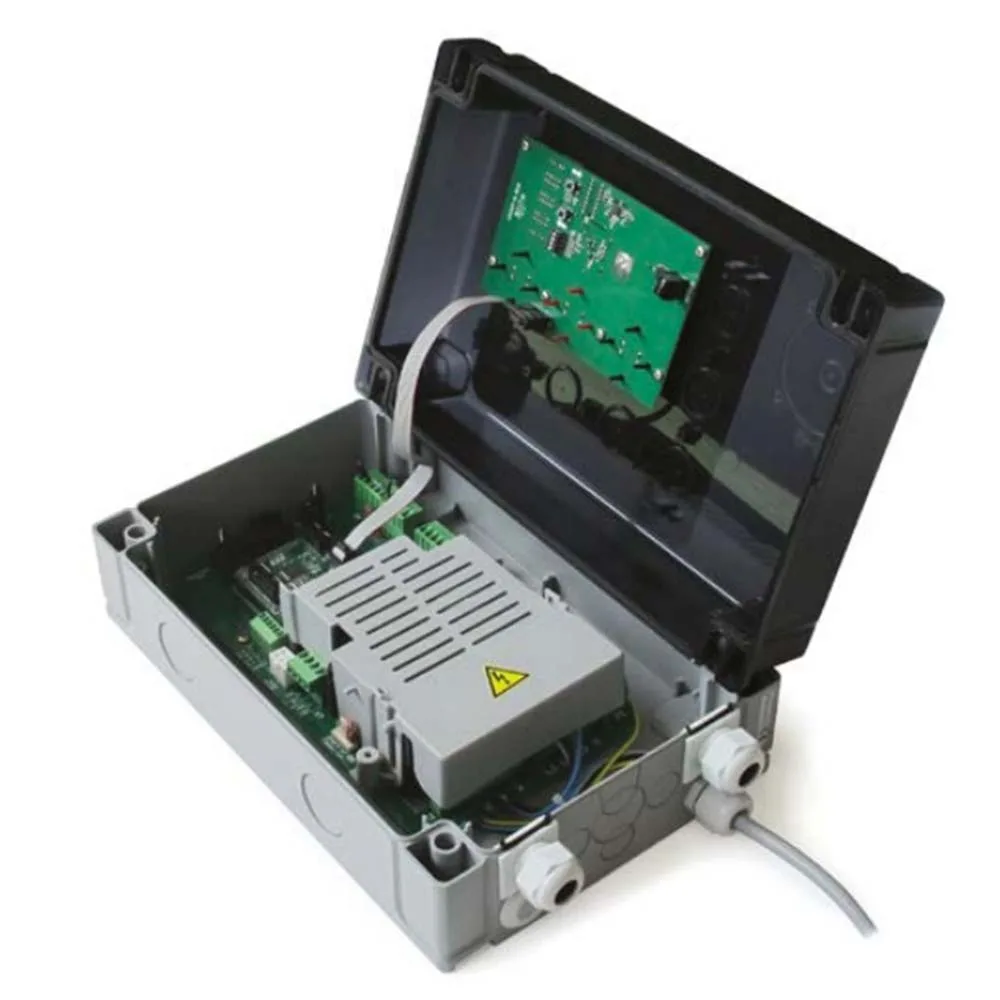
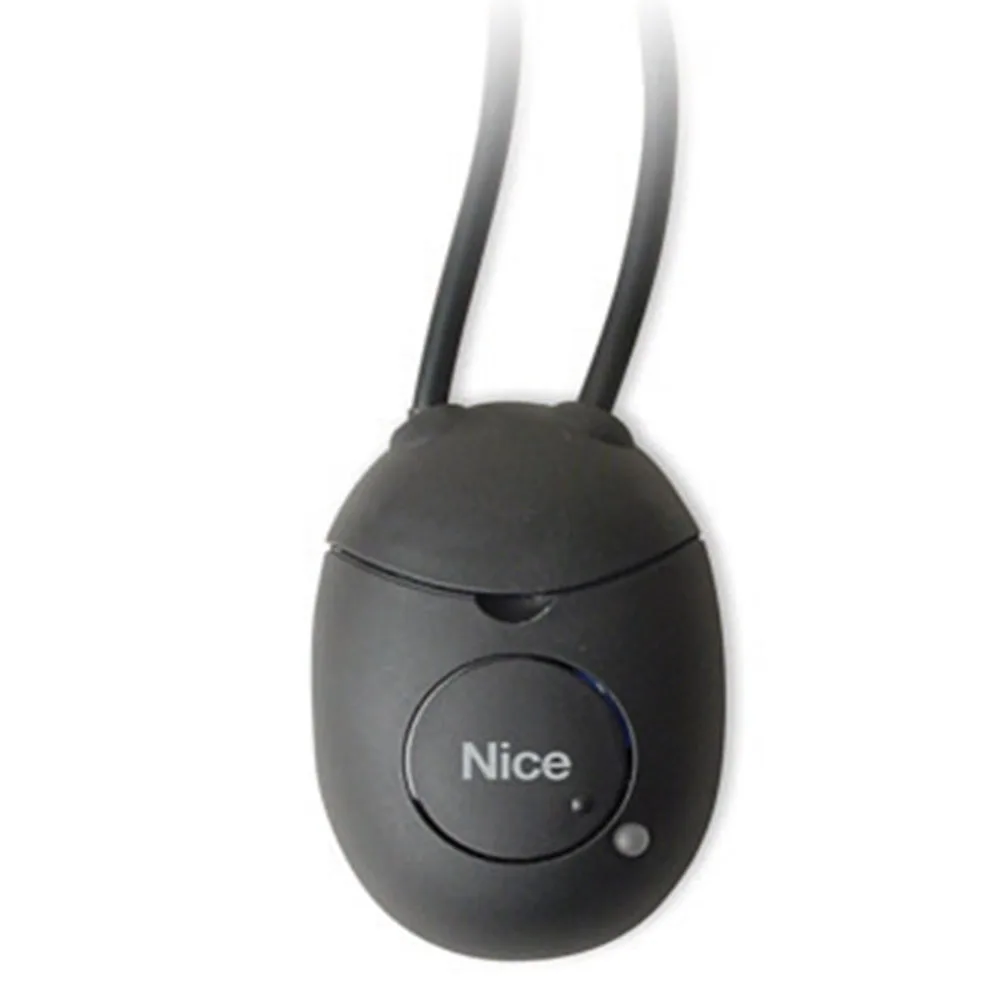
A Nice interface for automation connects the central gate to other devices: telephone, computer, bluebus photocells, wireless edges or smart home systems. It does not replace the engine or the plate, but adds new functions. See below what role each model in the Nice range has.
In short: Pro-View and O-Box for programming, IB and IBW for Bluebus, IRW for wireless borders, and INB for MyHome home automation.
Do you need help choosing?
Tell us what you need and we'll send you the offer on the same working day.
The right interface expands your automation without changing the power station. Pro-View and OBOX2B make programming easier, and IB and IBW bring Bluebus on older installations. In addition, IRW connects wireless borders, and INB connects gates to MyHome system. Start from the desired function and from the central ports, then choose a Nice interface for automation from the category various interfaces, with the support of the Nice Store team.
A Nice interface for automation solves, first of all, a communication problem. The central gate speaks one particular "language, and your accessories or your phone speak, instead, another. The interface thus makes the translation between them. In addition, on the Nice Store you find seven models in the category various interfaces, each with a clear role.
Why you need a Nice interface for automation
First, think about what you want to add to the existing system. Usually the reasons fall into three groups, i.e.:
- Programming and diagnosis, for example, from the phone or computer.
- Connecting accessories that the plant does not accept directly.
- Integration of the gates into a smart home installation, such as a MyHome system.
So the choice starts from the function, not the product. Once you know the function, the list of models is thus reduced to one or two. Therefore, a Nice interface for automation is not bought in bulk, but for a precise purpose.
Programming: Nice Pro-View or O-Box interface
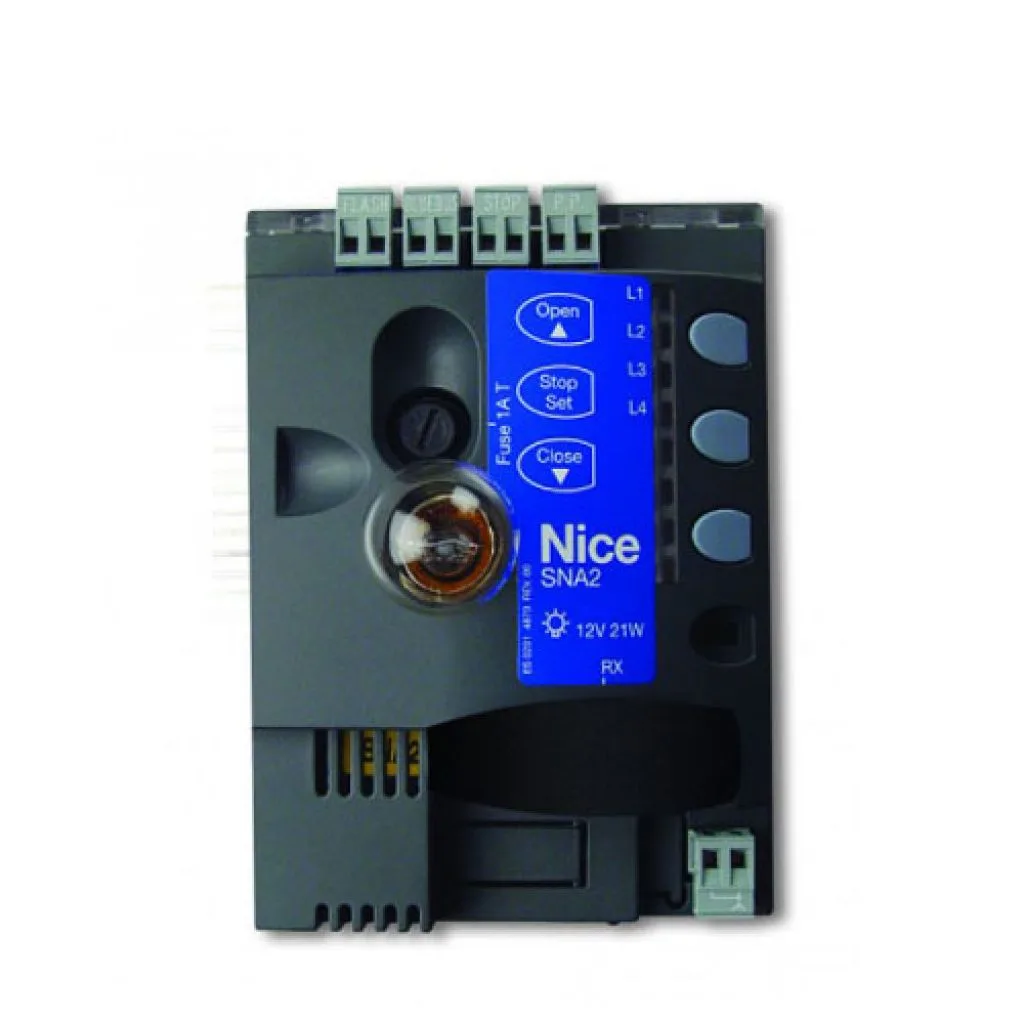
First, Nice PROVIEW multifunctional interface connect to the control unit via the BusT4 port. Then it allows you to install and configure on your smartphone, using the MyNice Pro App app. According to the description, it also takes over the functions of the O-View and OBox units and has NFC and RFID readers. In addition, they work bidirectionally, so they access and program new receivers and transmitters.
Instead, the older version, Nice OBOX2, uses the O-Box Software Suite program. With it you then configure from the transmitting computer, receivers and other Nice control devices. Model Nice OBOX2B also add Bluetooth mode. Therefore, a Nice interface for automation of this type saves roads, because you prepare part of office settings.
Bluebus interface on existing installations: IB and IBW
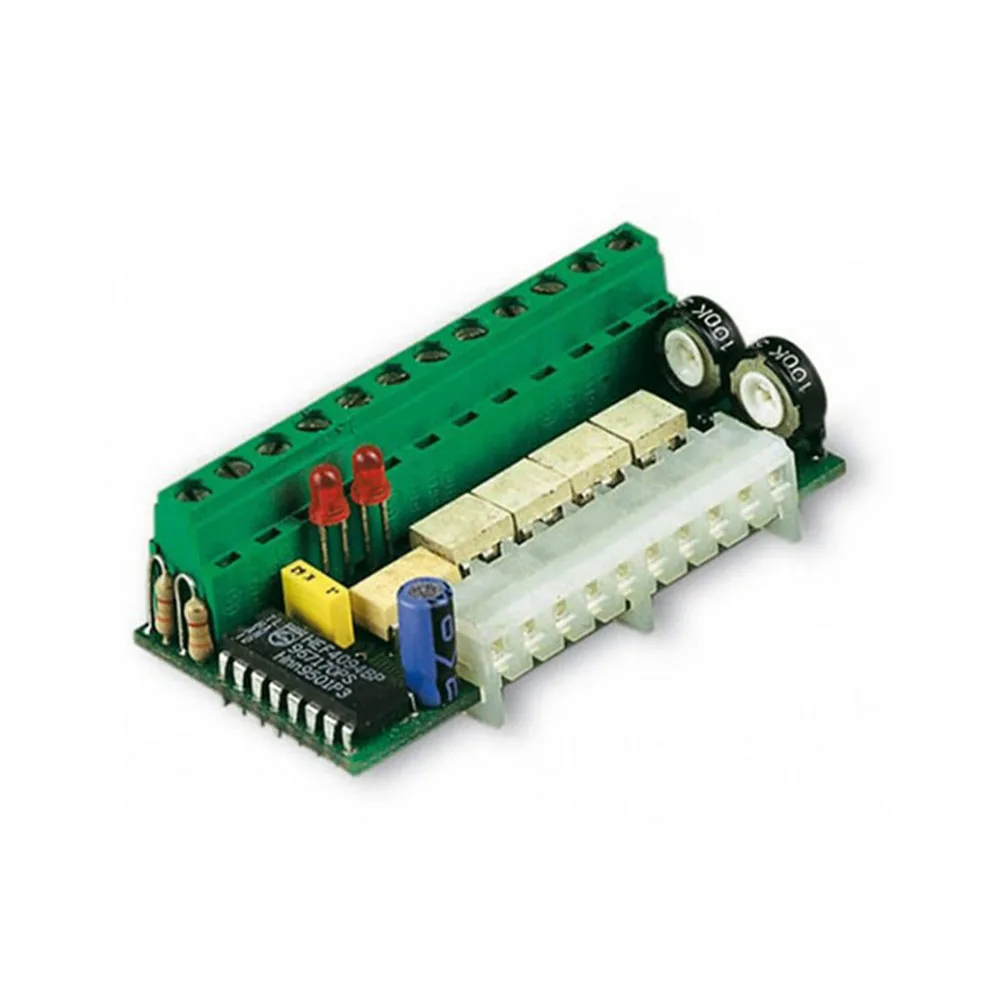
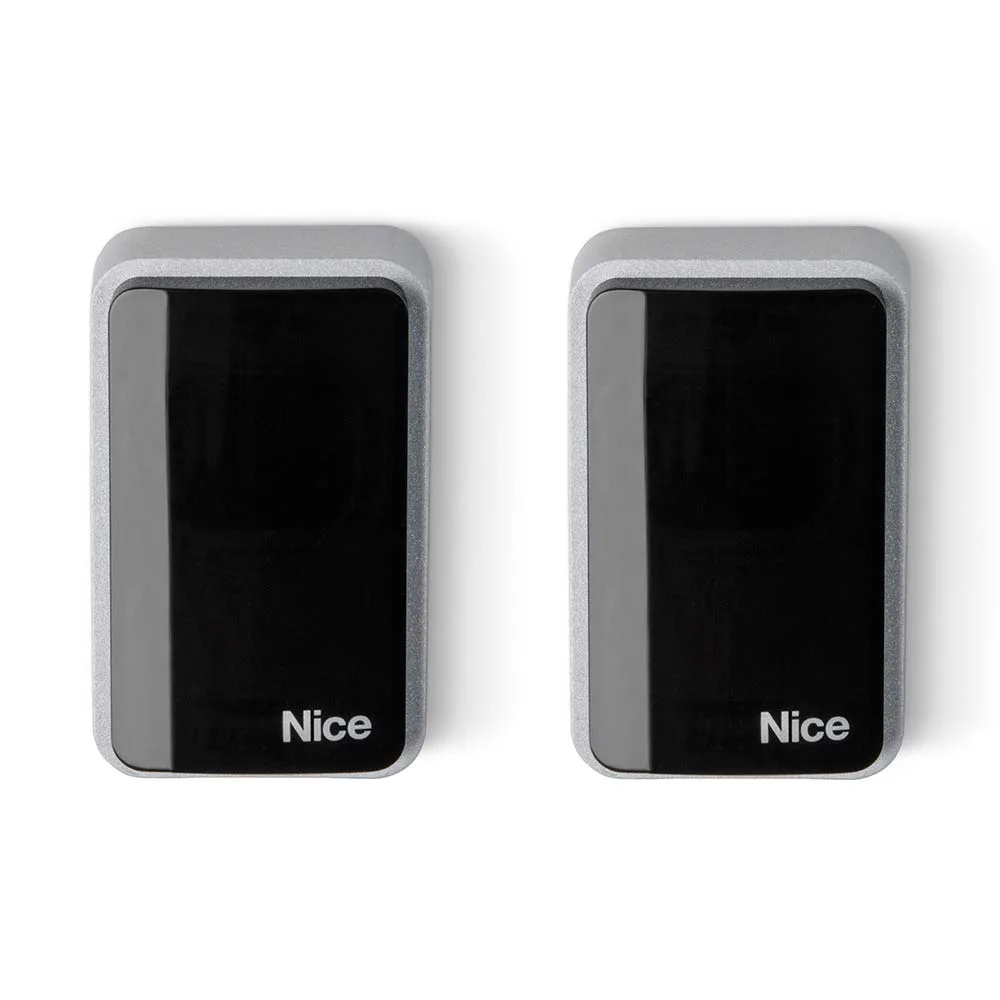
Nice Bluebus technology links several devices on just two wires, which means it simplifies the wiring. However, not all power stations have this entrance. This is where he comes in, so, Nice IB interface, connecting Bluebus photocells to units without precondition equipment. On the other hand, Nice IBW provides a wireless connection for Bluebus technology control units.
In other words, a Nice interface for automation in the IB series gives you the freedom to use Safety photocells modern and on older power plants. The exact compatibility of a check, however, in the power plant manual.
Safety edge without cable: IRW
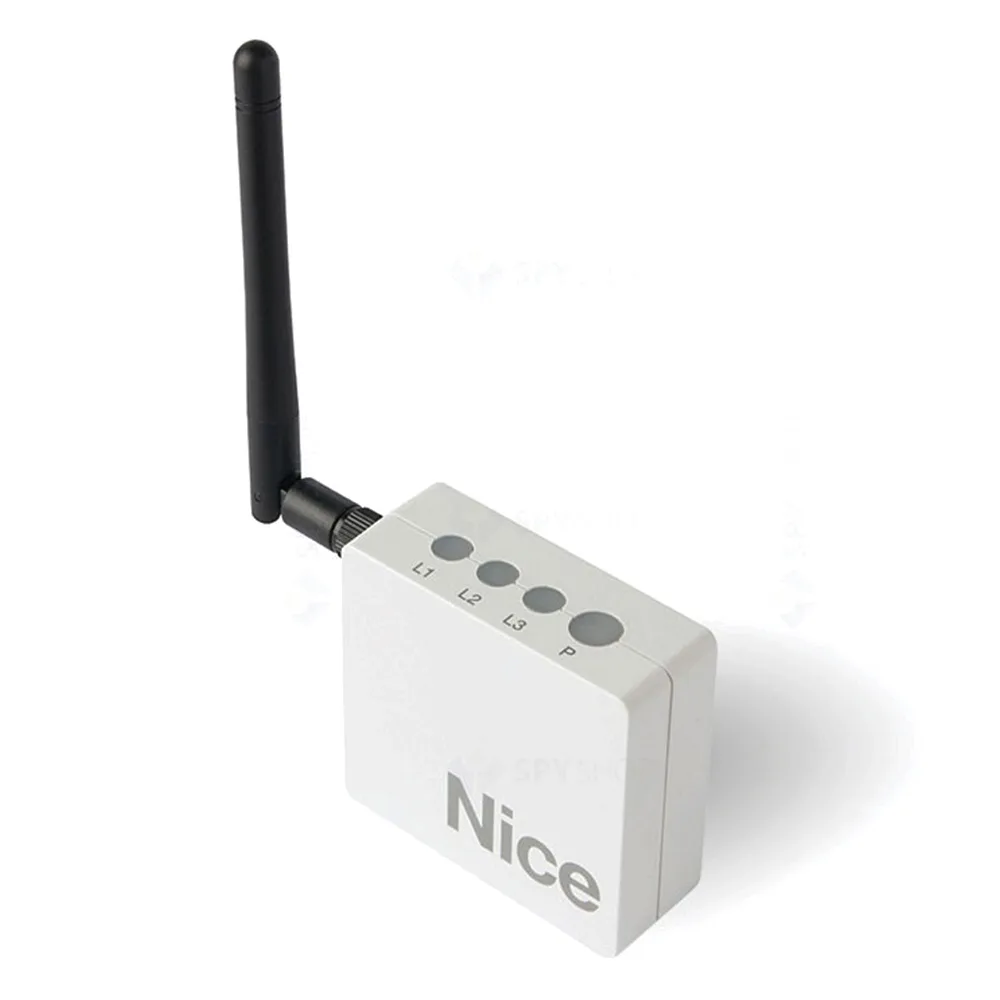
Nice IRW has, first, relay output and works with safety edge provided with wireless transmitter. At the same time, it connects to units with classic stop-and-photo connections. Thus, you mount a border on the mobile without spiral cable to the central. In addition, the edge signal reaches the safety entrance of the power plant, as the IRW works through relay contact. Nice mechanical edges find them, instead, in the category safety edge.
For the gates in the courts of the firms, safety at closing matters especially when people pass. Therefore, a Nice automation interface dedicated to the edges is worth including in the project phase. For the principles of prevention at work, also consult resources EU-OSHA.
Smart House: INB and IT4WIFI
Nice INB control interface communicates with the Bus Nice systems, i.e. TTBus and BusT4, and MyHome from BTicino (SCS). Thus, according to the file, each interface commands up to four Nice gate and garage door automations. The command is then given through simple buttons or on the BTicino touch screen.
If you just want control from your phone, check also the IT4WIFI interface in the category Smart Home. In this case, a Nice interface for automation with Wi-Fi covers the need without a complete home automation installation.
On the other hand, don't mix the interface roles. For example, INB transmits commands from the MyHome system to automation. In contrast, Pro-View and OBOX2B serve the installer in particular, during programming and diagnosis. So, at a new house you can need a command interface and, at the same time, one for programming.
How to choose a suitable Nice interface
Before ordering, first go through a short list of checks:
- Note the model of the plant and its ports, i.e. BusT4, Bluebus or classic inputs.
- Set up who uses the interface: the installer or the owner.
- Check if new accessories have Bluebus technology or, instead, wireless.
- Then choose the model that ties these heads exactly.
Finally, it requires confirmation of compatibility before ordering. A Nice interface for correctly chosen automation works, so immediately, without changes to the power plant. Moreover, it leaves room for further expansions, such as new photocells or application command.
Frequent errors in the assembly of interfaces
Most problems arise, especially in a hurry, not in the product. Here are, for example, a few situations that we often see:
- Mounting, for example, without checking the BusT4 port in the power plant.
- Using IB on a power plant that already has Bluebus entrance, that is, a pointless piece.
- Connecting the wireless edge without the final stop test, especially at the heavy gates.
- The absence of a file with the settings made, especially in the programming application.
So, a Nice interface deserves to be built after a small plan, even for one gate. At the same time, you keep a copy of the settings for subsequent interventions.
Frequently asked questions: Nice interface for automation
Pro-View replaces O-Box?
Mostly yes, because Pro-View includes the O-View and OBox functions, as described. For power plants without BusT4 port, however, check the appropriate option.
Can I use a Bluebus interface on a classic power station?
Yes, the IB interface connects, for example, Bluebus photocells, if the power plant manual allows this type of connection.
How many automations does INB command?
Up to four Nice automations for each interface, i.e. gates or garage doors, according to the product file.
Do I need a computer for OBOX2B?
The O-Box Software Suite runs on the computer, and the Bluetooth module thus simplifies the connection with it.
In conclusion, see all models in category various interfaces. The Nice Store team also helps you choose a Nice interface for automation compatible with your power plant.