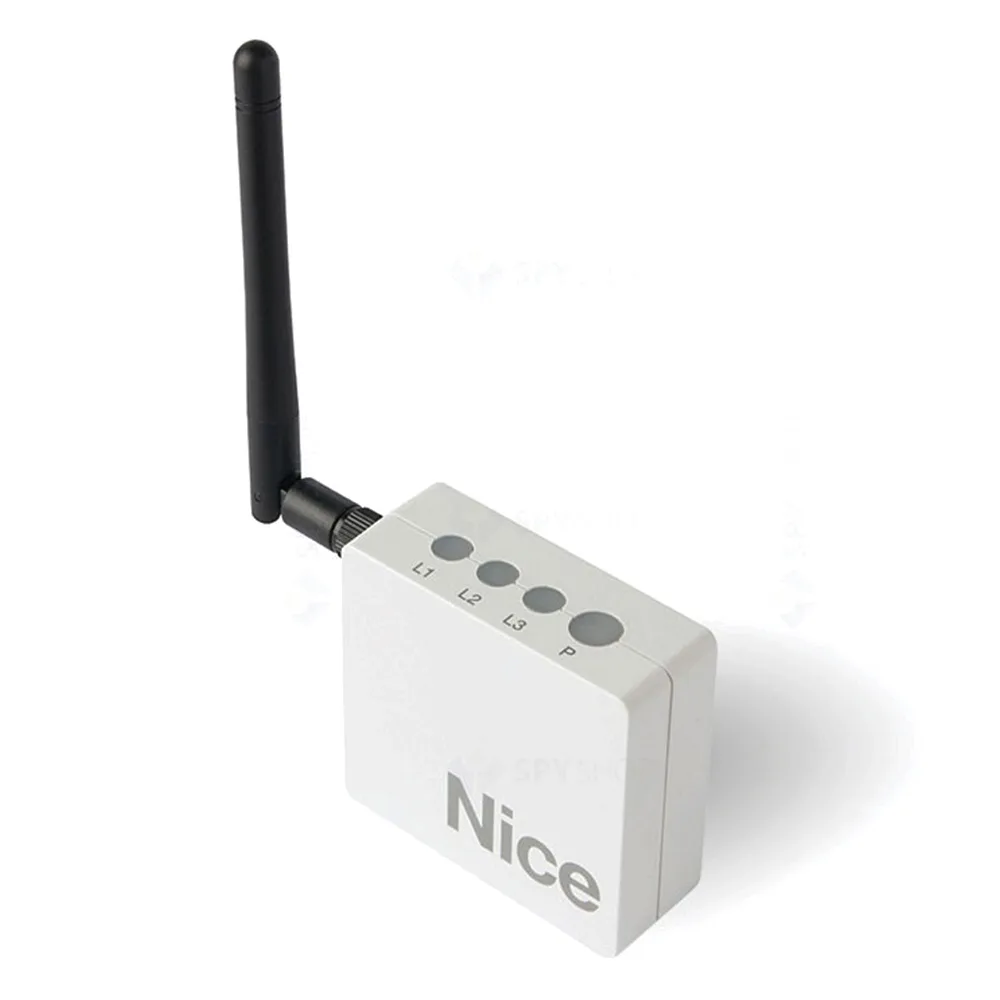
Automation doors in your phone: Nice interfaces explained
An automation gate in your phone allows you to open and close doors from an app without remote control in your pocket. In Nice, the link goes through dedicated interfaces, such as IT4WIFI for the BusT4 port or CORE for radio receiver automations. The choice depends on the power plant you already have.
In short: check whether the plant has BusT4 port or radio receiver, choose the right interface, connect it to Wi-Fi and test the command.
Do you need help choosing?
Tell us what you need and we'll send you the offer on the same working day.
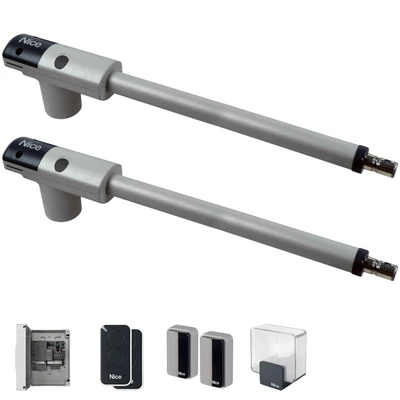
The command on the phone brings flexibility: you open the doors of the car or the house, without looking for the remote. An automation of your phone's gate starts from an interface compatible with your power station and from a secure Wi-Fi network to the gate. However, it also retains the classic remote control, for situations without the internet. Check the compatibility of the plant before. Enter the Smart home category and compare the interfaces and Nice control units available.
An automation gate in your phone turns your smartphone into remote control. Open the door of the application and, depending on the equipment, see the state of automation. Nice models for this purpose you find in the category Smart Home. Next, see what interface fits your power plant.
How an automation gate works from your phone
The gate motor doesn't speak directly to the phone. There is an interface between them, linked to the central station and the Wi-Fi network. Thus, the application sends order via the local network or the internet. Then the interface transmits command to the central, as a common remote control.
Therefore, an automation gate in the phone depends on three elements. The first one remains the compatible hub. The second one has the right interface. The last one means a good Wi-Fi signal at the gate.
When it makes sense to order from the phone
The classic remote remains simple and fast. However, the phone brings advantages in a few concrete situations. For example, in a large family the remote controls are often lost. Also, an automation gate from the phone helps when you receive frequent visitors.
- See, depending on the application, if the gate has remained open.
- Manage access to family members in one place, if the application allows.
- Compatible controls and door garage from the same application.
BusT4 version: IT4WIFI interface
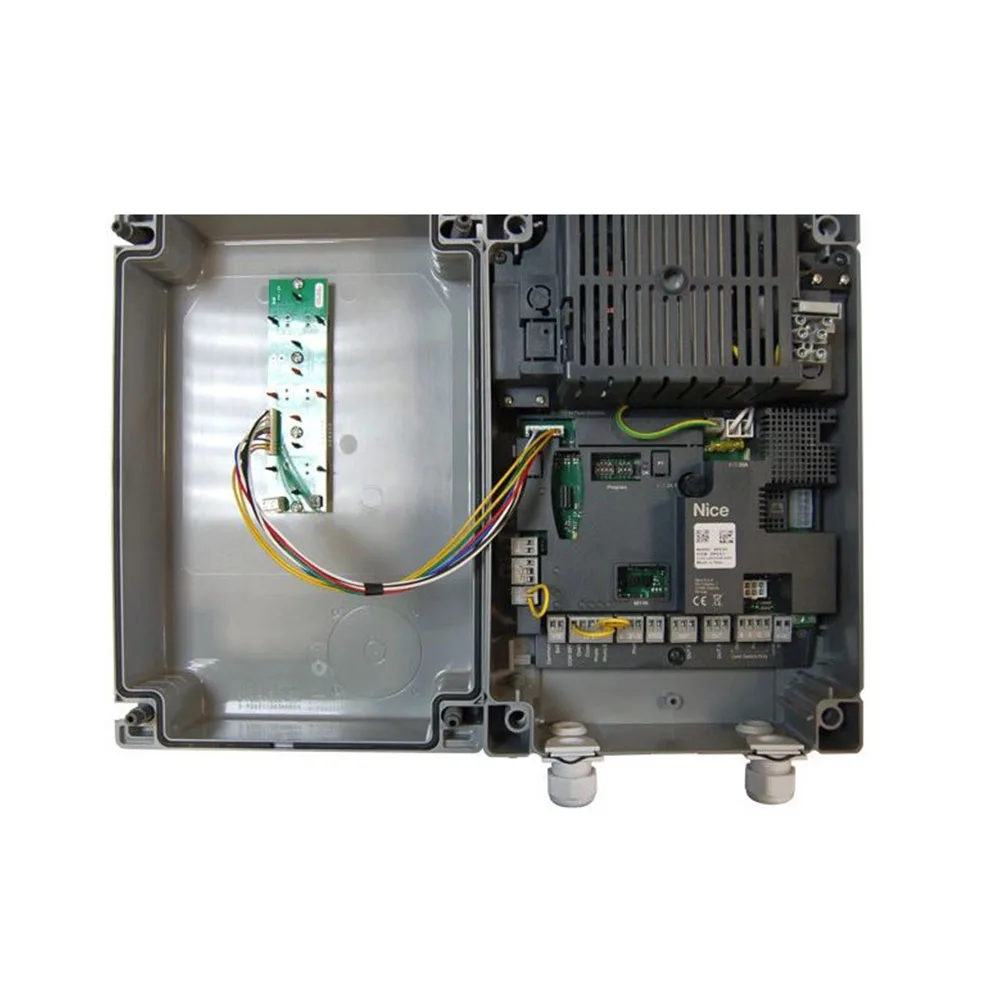
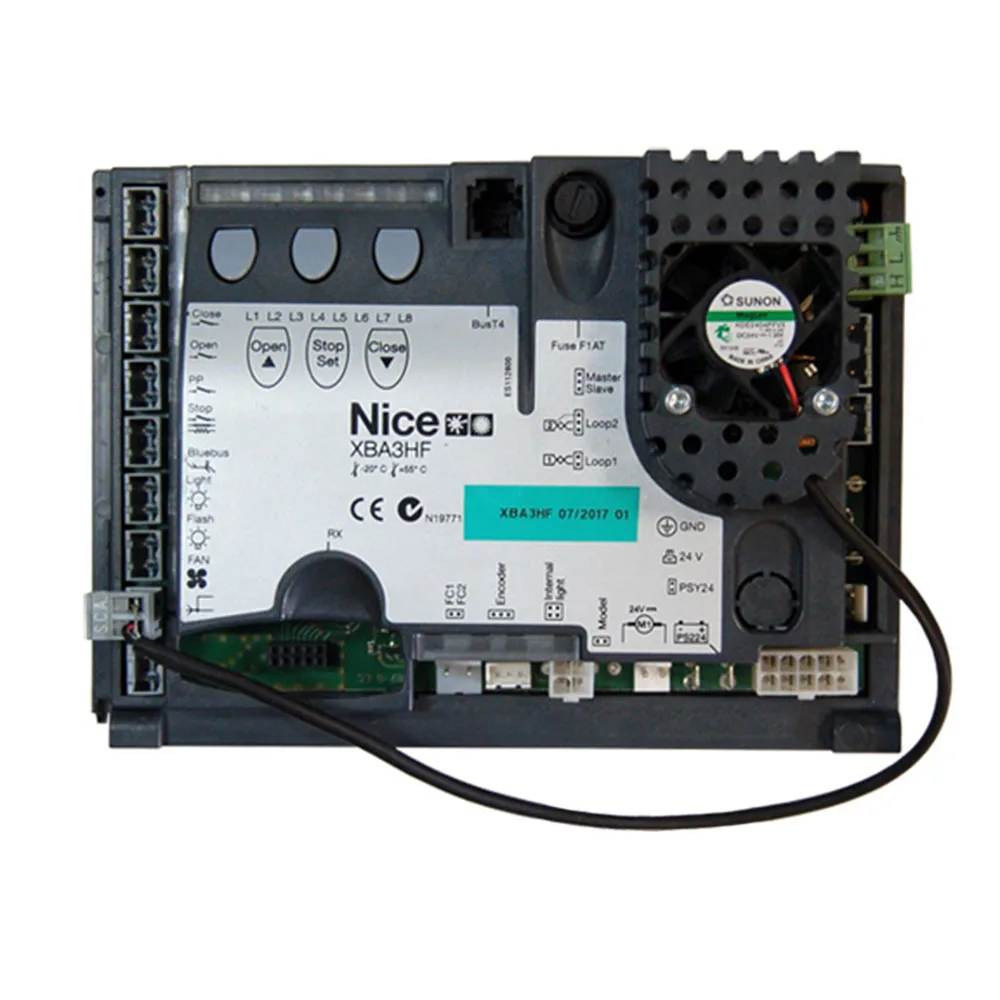
Nice power station at a BusT4 port. For them, Nice IT4WIFI interface provides control of the doors and garage doors compatible with the BusT4 (Opera) protocol. The assembly starts simple: connect the BusT4 socket to the interface with the cable in the package. Then configure the Wi-Fi network in the application.
However, check ahead if your power station has this port. The engine data sheet gives you the answer. So, at the new gates, an automation gate from the phone via BusT4 remains the most direct variant.
Radio version: the CORE interface
Not all automations have BusT4 port. In that case, Nice Core interface communicate via Wi-Fi and radio. It connects automations with an integrated or optional radio receiver, for doors, gates, barriers, rollers and blinds. In other words, CORE also helps older installations, if the receiver allows. However, the exact compatibility confirms it in the product documentation.
Radio receivers also count on this scheme. For example, Nice FLOX2R receiver has 2 channels, BM250 memory and step-by-step, timer and anti-theft functions. Other models found in category radio receivers. Thus, an automation gated from the phone via CORE starts from a compatible receiver.
Bluetooth and programming: O-Box and Pro-View
In addition to daily control, some interfaces help the installer. For example, Nice OBOX2B represents a dual band interface with Bluetooth mode. In addition, Pro-View connects via the BusT4 port and makes it easier to work with control units. For the user, these tools usually remain in the second plane. These products appear in the category various interfaces.
Therefore, an automation gate from the phone for the user and the programming tools for the installer work together. However, for daily use, it matters especially IT4WIFI or CORE.
Check the door on the phone for the whole house
Smart home doesn't just mean gate. For example, Nice unit TT2N controls a tube motor and has a built-in radio receiver. In addition, TT2D controls lighting installations with radio receiver and switch in the same housing. Thus, the same Nice radio makes sense to link gates, rollers and lights.
At the same time, an automation of the phone's throat becomes more useful when it's part of a scenario. For example, on arrival you open doors and light the light in the yard. However, the available scenarios depend on the application and the compatible equipment.
Steps to automate your phone's doors
- Identify the central and check the BusT4 port or radio receiver.
- Choose the interface: IT4WIFI for BusT4 or CORE for radio.
- Check the Wi-Fi signal instead of mounting.
- Connect the interface according to the manufacturer's instructions.
- Install the application and add automation.
- You test the command closely, then from a distance.
Especially at the street's edge, the Wi-Fi signal drops a lot. Therefore, an extension or an external access point often solves the problem. At the same time, you mount the interface next to the power station, in a place away from the water. So, a gated automation from the phone works stable only with a good network.
Safety at control of your phone gate
When you open doors from afar, you don't always see what's in her right. Therefore, photocells and sensitive edges remain essential. Then protect the app account with a strong password. In addition, update the application and interface when new versions appear. For industry standards, general information can be found at: Standardisation Association of Romania. Thus, an automation gate from the phone remains comfortable and secure.
What happens without the Internet or without the power
The interface depends on the network and the power supply. Therefore, at an internet point, the remote control no longer reaches the gates. Instead, the radio remote still works, if the power station has power. On a power outage, you use manual engine unlocking. That's why you keep the unlock key handy. So an automation gate in the phone completes the remote, not replaces it.
Frequently Asked Questions About Ordering Cracks From Your Phone
Can I order an older gate from the phone?
Many times, yes. If the power station doesn't have BusT4, check the CORE version with a compatible radio receiver.
Do I need more remote control?
Yeah, we recommend you keep it. Thus, you open doors and when the internet or phone does not work.
What interface do I choose for an automation gate from the phone with new Nice motor?
If the power plant has BusT4, IT4WIFI port remains the direct choice. Otherwise, discuss the CORE version with the installer.
Is it working for the garage door?
Yeah. IT4WIFI also controls compatible BusT4 garage doors. Some Spider kits even come with Wi-Fi included.
Choose the right interface for a smart phone automation in the category Smart Home. The Nice Store team helps you choose, starting from your power plant model.