Wall button for automation: NiceWay modules and Opla plates
A wall button for automation allows you to open doors or door garage from the house without looking for remote control. NiceWay range doors transmitter modules inserted in thin Opla plates, without building works. See how you choose the right module, plate and color.
In short: choose the WM module after the number of automations, then the square or rectangular Opla plate, in the color appropriate to your home.
Do you need help choosing?
Tell us what you need and we'll send you the offer on the same working day.
A fixed button on the wall shortens the path to the gates and eliminates the search for the remote control. Choose the NiceWay module after all the control automatisms and after the order type, then the Opla board after shape and color. Before mounting check the receiver and visibility to the gate. See plates and supports in category control accessories, And the Nice Store team helps you choose a suitable wall button for automation.
A wall button for automation looks like a small detail, but you use it every day. You press it when you leave the house, when you enter the garage or, for example, when you receive a visitor. Nice solves this need with the NiceWay system, which means a radio transmitter introduced into a wall plate. So, you don't pull new cables through walls. In addition, you can use the button next to the existing remote controls without giving up them.
How a wall button works for automation
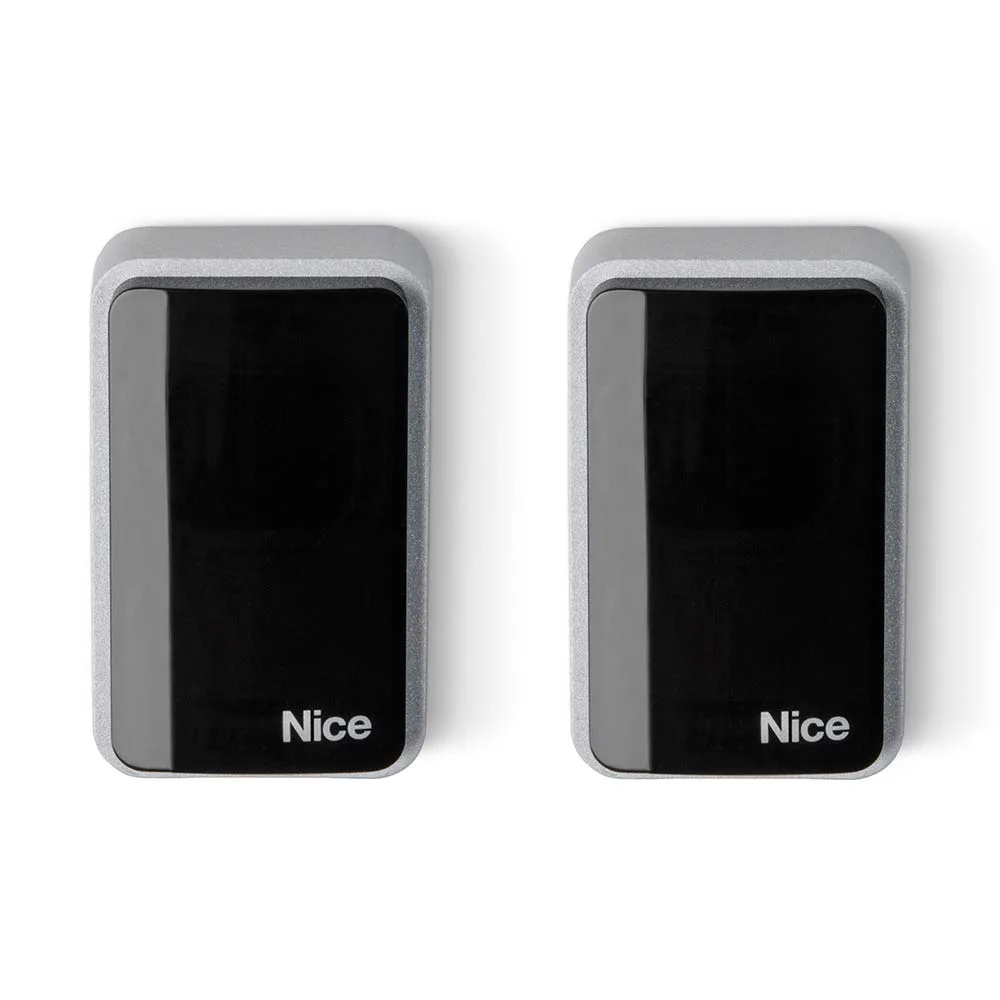
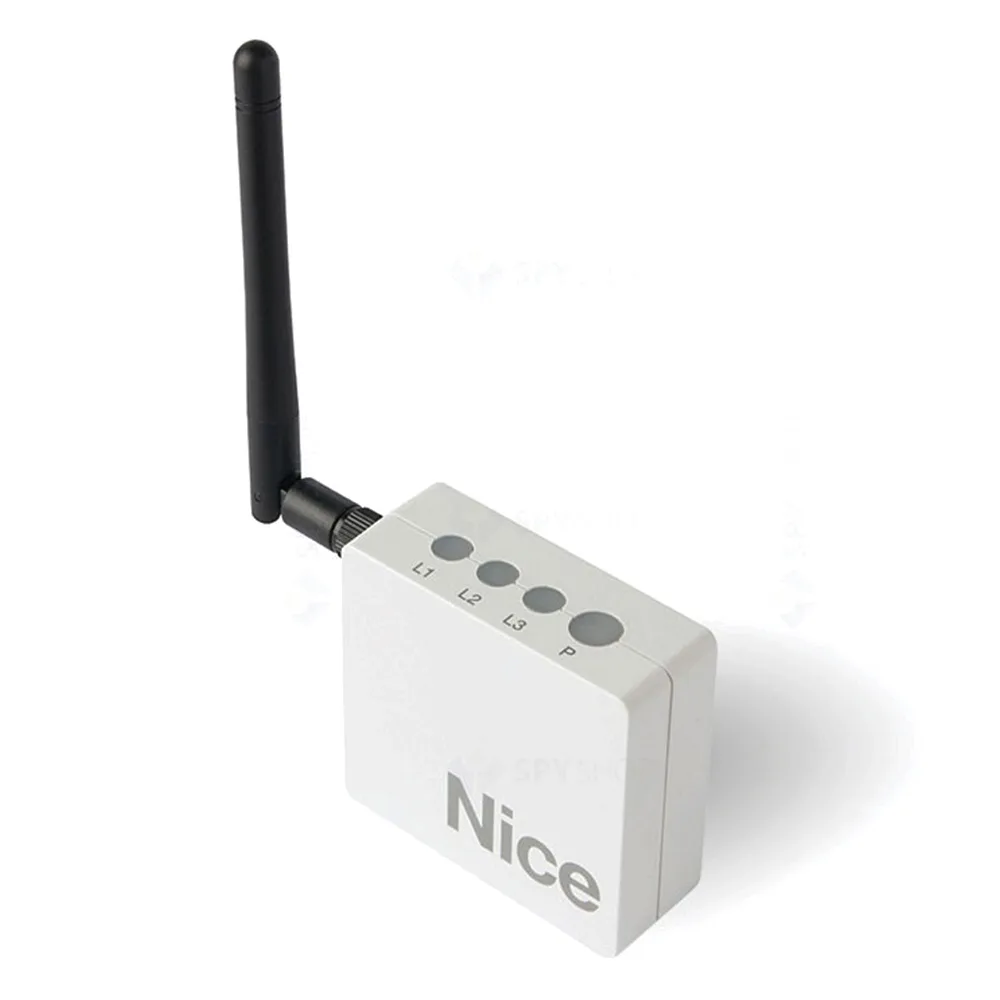
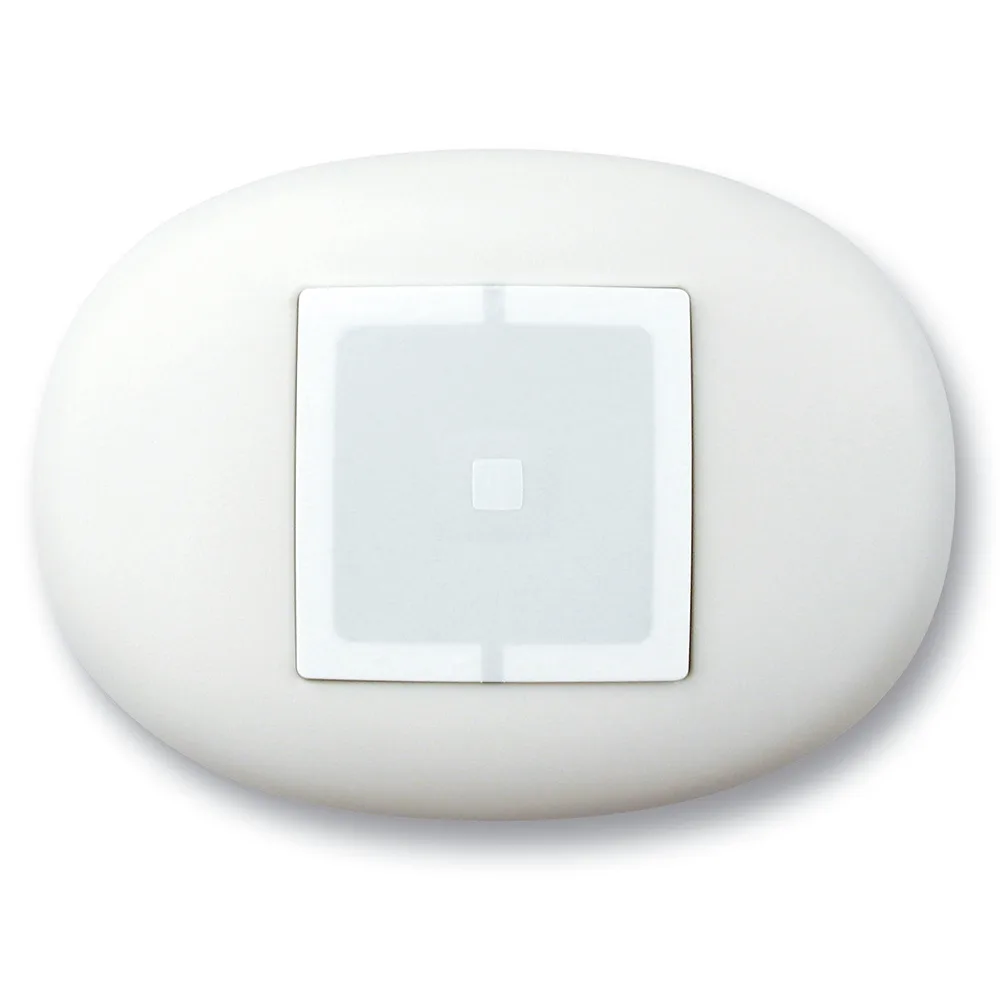
First, the module transmits via radio to the automation receiver, just like a remote control. The difference holds shape, because instead of sitting in the pocket, it stands fixed on the wall. Thus, the button can be found anywhere, in the lobby, in the garage or by the entrance door. According to the manufacturer's description, the transmitter inserted in the Opla plate has the thickness of the plate itself, so it remains discreet.
In addition, the assembly does not require wall operations. Therefore, a wall button for automation also matches in already finished homes.
Modules: which commands each NiceWay button
First of all, you choose the module. Category transmit modules For example, you can find several variants:
- Nice WM001C, with a channel, for the step-by-step command of an automation.
- WM001G, all for automation, but with open-stop-closing command.
- WM003C, with three channels, i.e. three step-by-step automatics.
- WM002G, then, for two automatisms, still open-stop-close.
- WM003C1G, hybrid mode: three step-by-step automatisms and, in addition, one open-stop-close.
So, a one-channel automation wall button arrives for a simple gate. If you want to order gate, garage door and a third automation from the same place, choose instead a mode with multiple channels.
Step-by-step or stop-closing?
Step-by-step command first doors a single key, which opens, stops and closes, in order. Instead, the open-stop-close mode has separate keys for each action. So, for a door garage you want to stop in half, the G version offers more control. On the other hand, for a simple yard gate, step-by-step command usually arrives.
Opla plates: what a wall button looks like
Then, after the mode, choose the board. NiceWay offers two shapes, namely square Opla S and rectangular Opla R, in several colors:
- First, Nice WSW, square, white.
- WSA, square, aluminum.
- Then WSS, square, marine green.
- WRB, i.e. the black rectangular version.
- In addition, WRS, rectangular, marine green, and WRA, rectangular, of aluminium.
Also, choose the color after the switches in the house, so the plate doesn't stand out. A wall button for aluminum automation fits, especially, on modern walls or in offices.
On the other hand, the Opla board also helps with a unitary design in the house. For example, you can mount a wall button in the lobby and another in the garage, with the same shape and color. So, both command points look the same. At the same time, each mode keeps its channels, so you configure separately what each one commands.
Other supports: magnetic, table and pocket
Besides plates, category control accessories It also includes other supports. For example, magnetic wall fixation Nice WWW He works with WAX. In addition, the Nice WEW anti-shock table holder, made of rubber, keeps the transmitter on the desk. For pocket, the mini WCI and WCF heels then make the portable module.
In other words, the same type of NiceWay mode changes its role after support. However, for the main entry, a wall button for automation remains the most convenient option.
Where you mount a wall button
- Next to the door to the house, i.e. at the height of the switch.
- In the garage, for example, close to the pedestrian access door.
- At the reception of a company, especially for opening the gate to visitors.
- On the wall of the security office, especially the parking barrier.
However, keep the visibility, i.e. who pushes the button must see doors or doors moving. If you do not have direct visibility, we also recommend photocells and flashing light. For safety principles at work, see also resources EU-OSHA. Therefore, a wall button for unseen automation requires additional safety measures.
Receptor compatibility
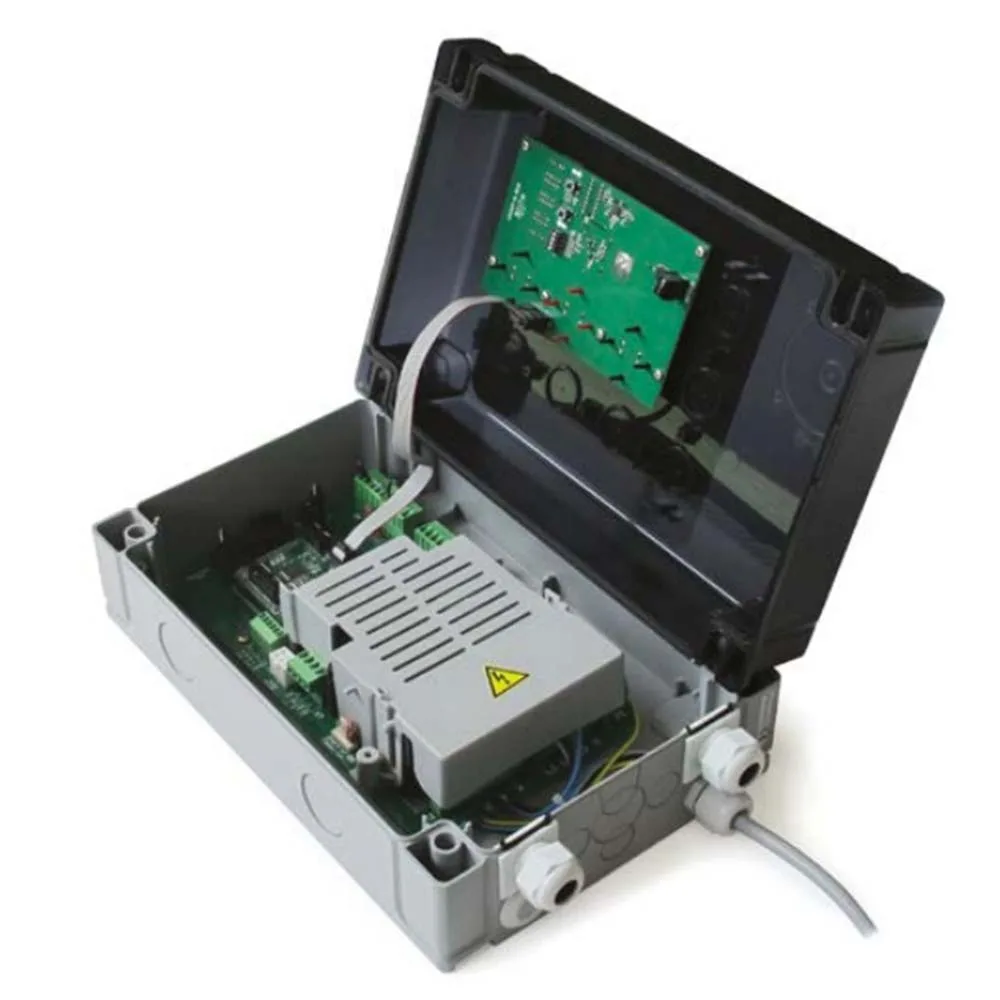
NiceWay modules work on the radio as a remote control, so the automation receiver must accept them. Before ordering, first check the receiver in the power station or category radio receivers. In addition, note how many channels the receiver has. It also tests the range of action from the chosen place before you permanently fix the plate. Thus, a wall button for automation is stored as easily as a new remote control.
Mistakes to avoid
- Mounting on a large metal surface, which can reduce, for example, the radius of the radio signal.
- Choosing a step-by-step mode where you need, instead, half-stopping.
- Placing the plaque in the hands of children, especially near the gates of the court.
- Forgetting the receiver, that is, the lack of memory, then the button doesn't command anything.
So, a few minutes of planning save you a lot of returns. A well-placed wall button becomes, thus, the most used command in the house.
Frequently asked questions: NiceWay wall button
Do I need works in the wall?
No, because Opla plates do not require wall operations, according to the manufacturer. The memory in the receiver is done after the manual.
Can I order more gates?
Yes, with a multichannel mode, such as WM003C or WM002G.
Can I change the board later?
Yes, because the module remains the same, and the plate replaces it with another color or shape in the Opla range.
In conclusion, see plates and supports in category control accessories. The Nice Store team also helps you choose a wall button for automation according to your home or company.